
Watch 15,000+
Live TV Channels
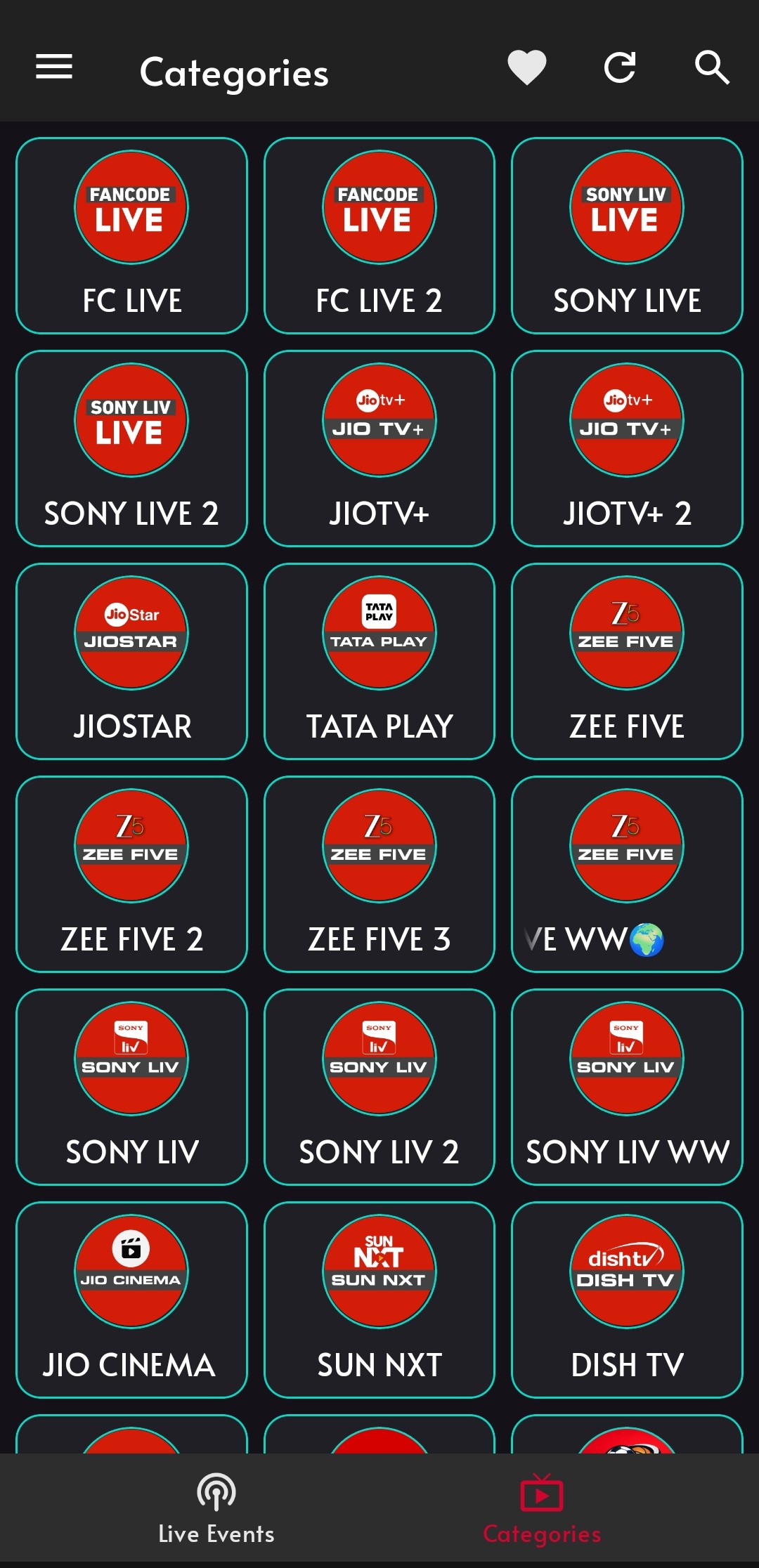
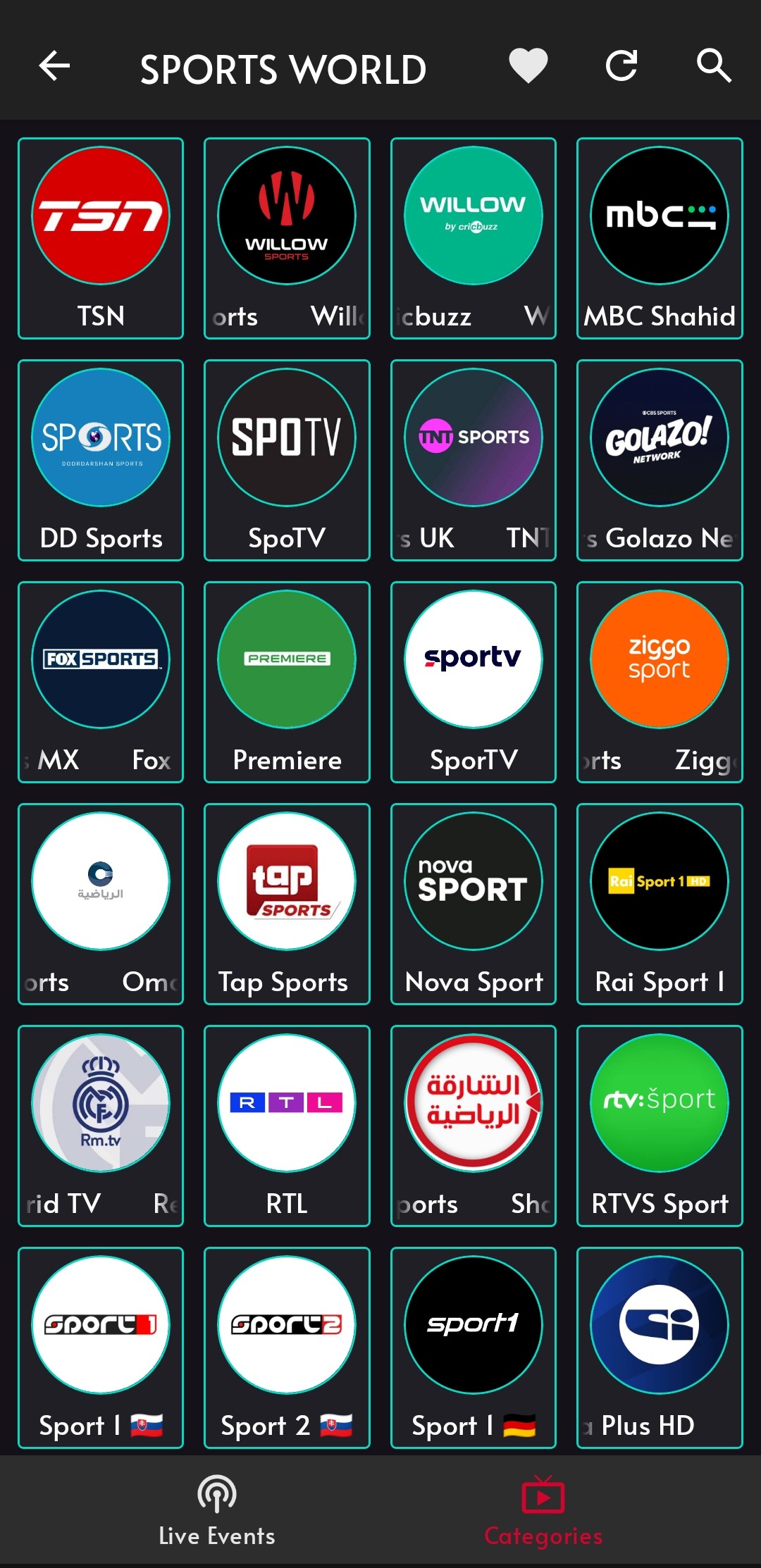
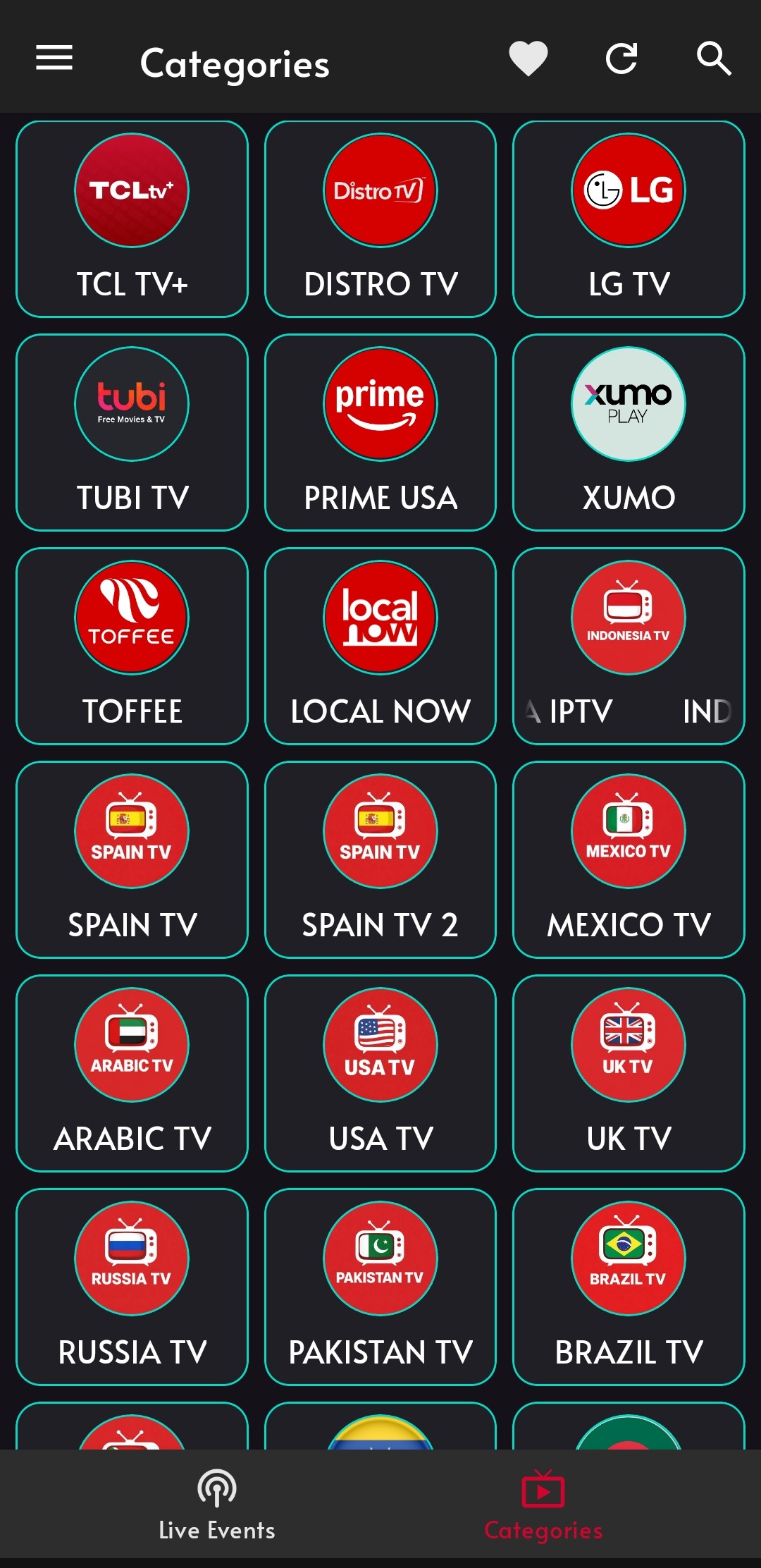
Experience the best of SK TECH TV on your Android device with HD, 4K, Android TV UI and daily updates.
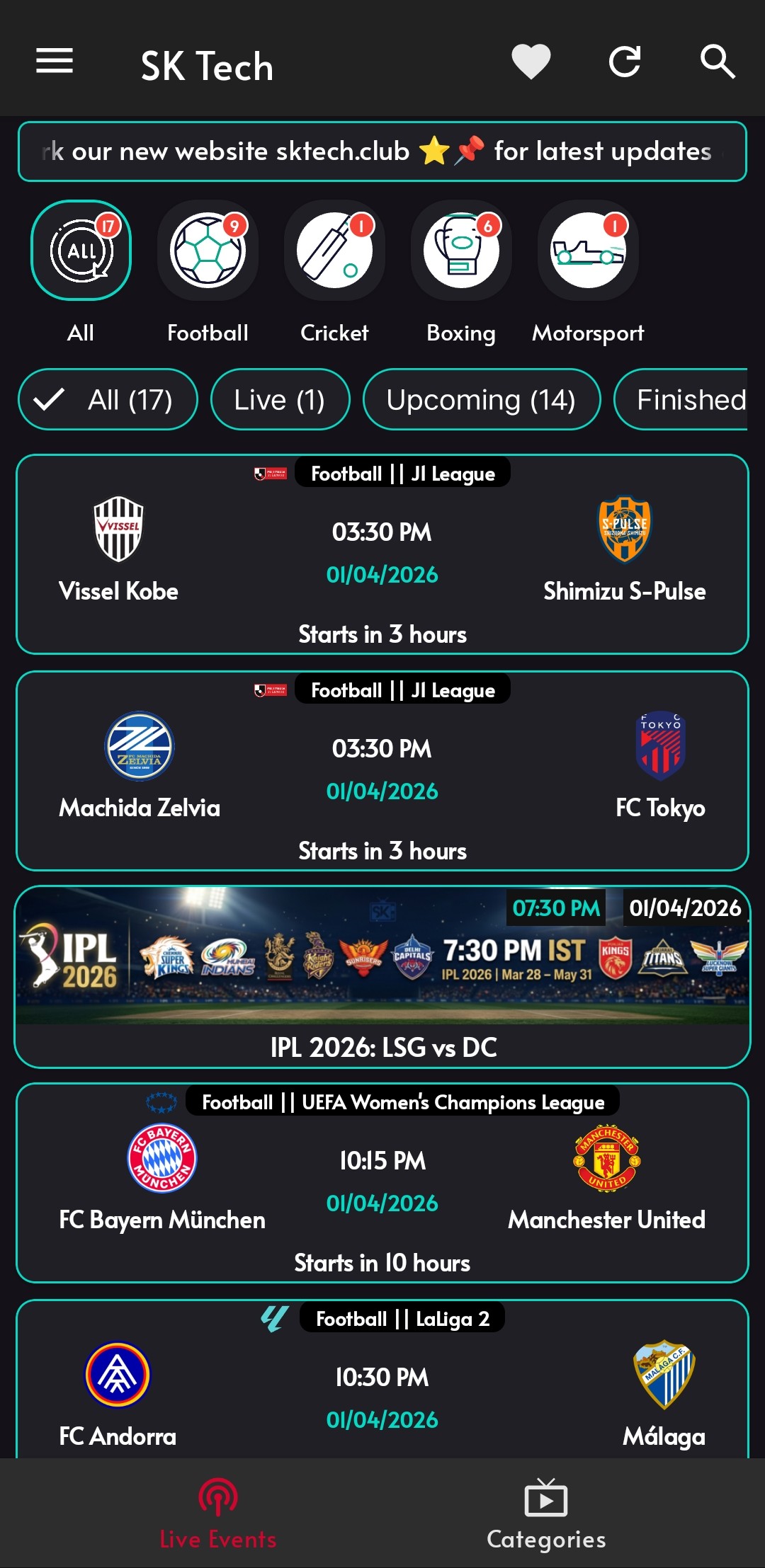
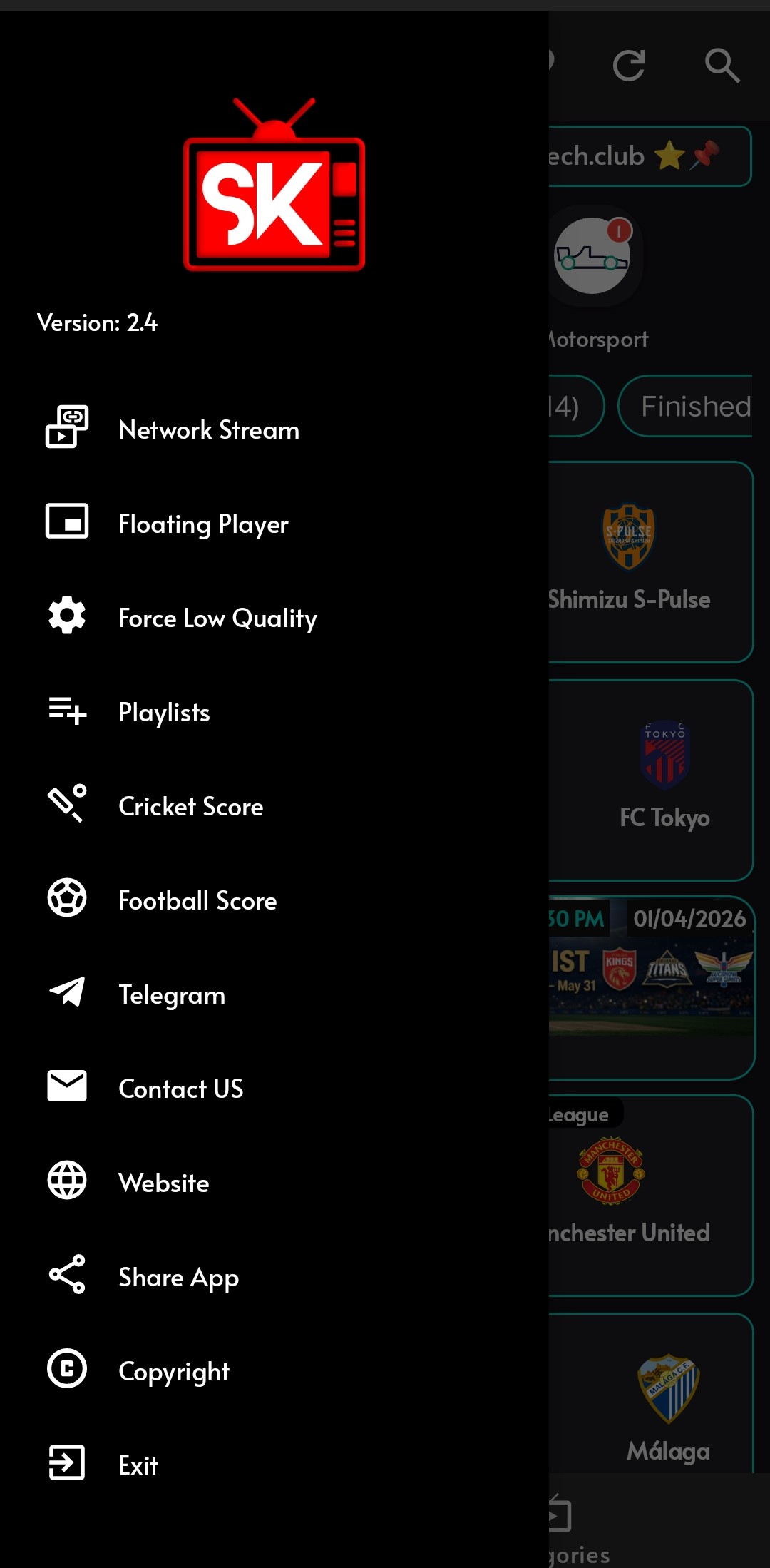
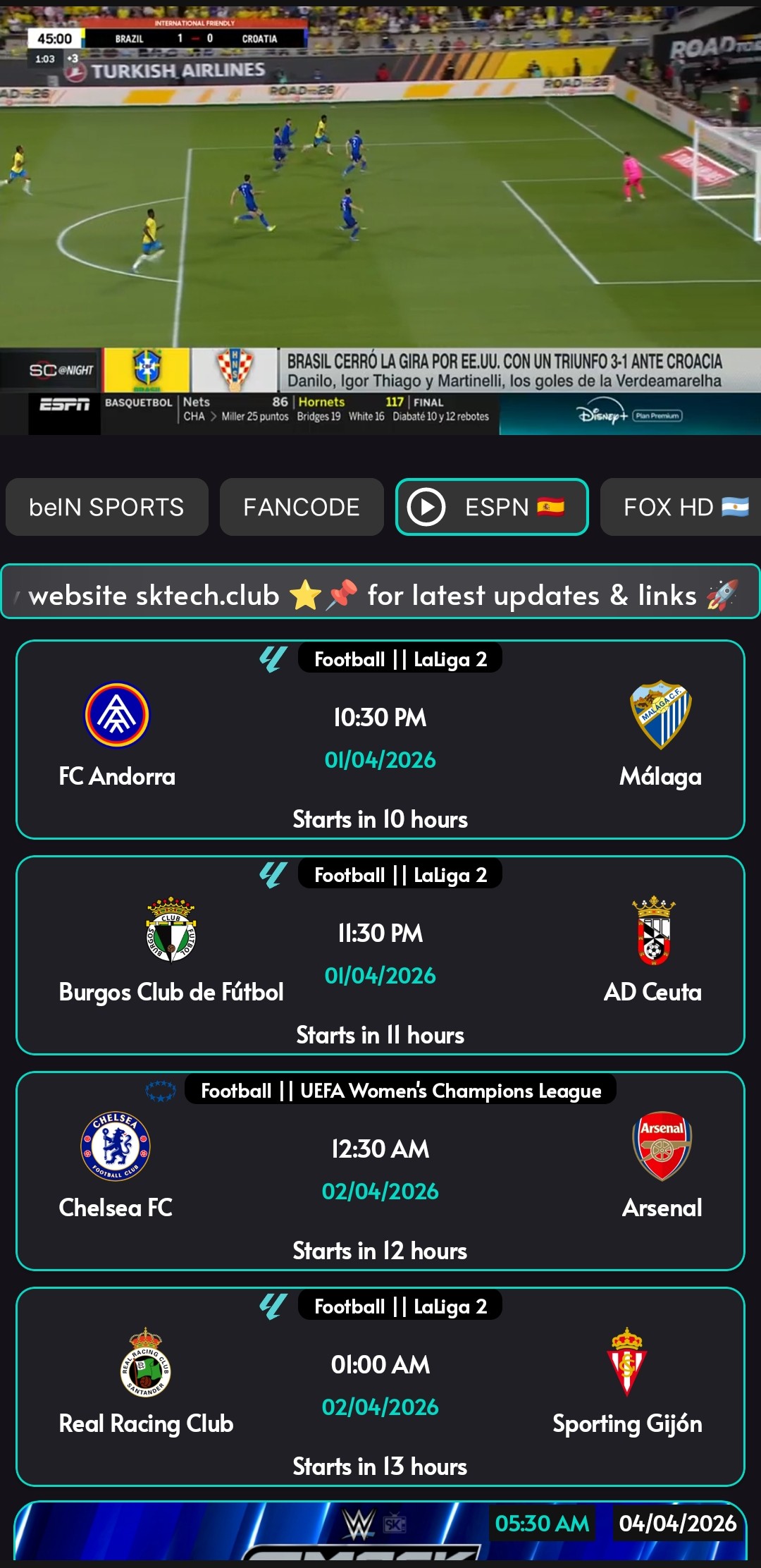
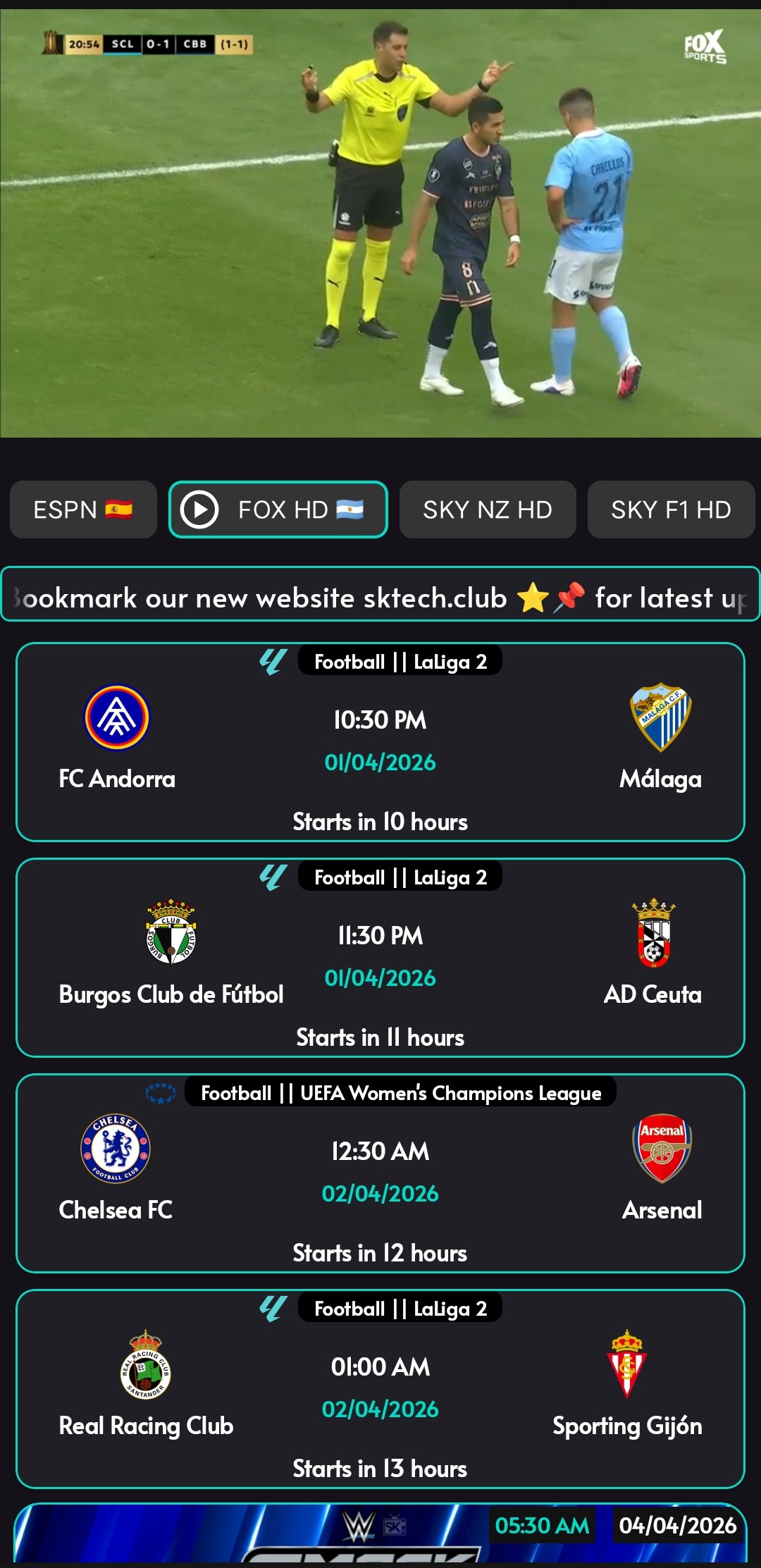
Get the SK TECH APK
Experience fast playback, smoother loading and a redesigned Android TV interface built for big screens and mobile devices.
Premium Features of SK TECH TV
Experience television like never before with SK TECH APP
15,000+ Channels
Sports, news, entertainment — all in one on SK TECH TV.
Ultra HD Streaming
Watch in stunning HD & 4K — crystal-clear on every compatible device.
Movie on Demand
Movies on demand — full collection plus the latest releases.
Multi-Device Support
Watch anywhere — phone, tablet, TV, or PC, all in one SK TECH app.
Worldwide Access
Stream SK TECH TV worldwide — access your favorite channels anytime, anywhere.
Daily Updates
Regular updates — new features, channels, and smoother performance on SK TECH TV.
Easy Installation for SK TECH APP
Get started with SK TECH TV in just a few simple steps
Download APK
Click the download button to get the latest version of SK TECH APK file.
Enable Installation
Go to Settings > Security and enable "Unknown Sources" to allow installation of SK TECH TV app.
Install & Enjoy
Locate the downloaded APK file, install the application, and start streaming SK TECH TV!
Install on Amazon Firestick
Use the Downloader app to sideload SK TECH directly on your Firestick
Open the Downloader app on your Firestick (install from Amazon App Store if needed)
Select Search and enter the Downloader code below
The SK TECH APK will load — follow on-screen prompts to install
SK TECH v2.7 Release Notes
-
Android Root Detection FixFix
Resolved false root-detection triggers so the app now runs smoothly on rooted and non-rooted Android devices alike.
-
New Security UpdateNew
Applied the latest security patches to keep your app safer and more stable.
Get SK TECH APP Now
Download the latest version and transform your viewing experience with SK TECH TV
Version 2.7 (Latest)
- Android TV Fix: Fixed streaming link issues on Android TV devices.
- New Ad System: No more frequent Chrome pop-ups — watch just 1 ad (20 seconds) every 12 hours.
- Force Low Quality Option Added: Stream in low quality for smoother playback on slower networks.
- Playback Fixes: Fixed an issue where some links were not playing properly.
- Multi-PIP Support: Watch multiple videos simultaneously with true Picture-in-Picture.
- Favorites Option: Save shows and channels for quick access.
- Redesigned Android TV UI: Improved interface optimized for big screens.
- Fresh Live Events UI: Cleaner and more engaging event layout.
- Custom Playlist Support: Add and manage your own playlists easily.
- Enhanced Stability: Crash issues resolved and overall bug fixes applied.
- Fully Compatible with Android TV and Mobile Devices.
- Optimized for Android 15.
Download the latest release below
Frequently Asked Questions
Everything you need to know about SK TECH APP
Is SK TECH APP free to use?
Yes, SK TECH APP is completely free. Download the APK and start watching 15,000+ live channels instantly — no subscription, no login, no hidden fees.
How do I install SK TECH APP on Android TV?
Download the APK from our site directly onto your Android TV using a browser, or transfer it via USB. Then go to Settings → Security → Unknown Sources and enable it, then open the APK file to install.
How do I install SK TECH on Amazon Firestick?
Use the Downloader app (free on the Amazon App Store) to sideload SK TECH onto your Firestick:
- Open the Downloader app on your Firestick.
- Go to the Search / Code field and enter the code: 6985536
- The SK TECH APK will load automatically — tap Install and follow the prompts.
- Before installing, make sure Apps from Unknown Sources is enabled in Settings → My Fire TV → Developer Options.
How does the new ad system work?
SK TECH v2.7 replaces frequent Chrome pop-ups with a cleaner ad system. You watch just 1 short ad (20 seconds) every 12 hours — that's it. No interruptions while streaming your channels.
Is SK TECH APP available for iPhone / iOS?
Currently SK TECH APP is available for Android devices only (phones, tablets, Android TV boxes, and Fire TV). An iOS version is under consideration — join our Telegram channel for updates.
Where do I get the latest SK TECH APK?
Always download from the official site sktech.site or use Firestick Downloader code 6985536. The current version is v2.7. Avoid third-party sources to stay safe.